How to Add a Concierge to Your App So People Actually Use Features
Stop building features nobody finds. Add a concierge that greets visitors, guides them to the right tool, and books the next step in English or Spanish.

You add a concierge to your app so that every visitor — not just the power users — finds and uses the features you already built. Instead of a silent dashboard or a static menu, a live script greets each person, asks what they need, and walks them directly to the right tool: booking, quoting, scheduling, or a human handoff. The concierge works in English and Spanish, captures every request, and shows you on an outcome dashboard exactly where visitors got stuck or what they wanted most.

Why Do App Features Go Unused?
Most small-business apps and websites are built like tool sheds: everything is there, but nothing tells you where the hammer is. A visitor lands on your page, sees a menu with twelve options, and leaves. They do not know that your app can book an estimate, send a reminder, or connect them to a live technician. The feature exists. The visitor never finds it.

What Does a Concierge Do Inside My App?
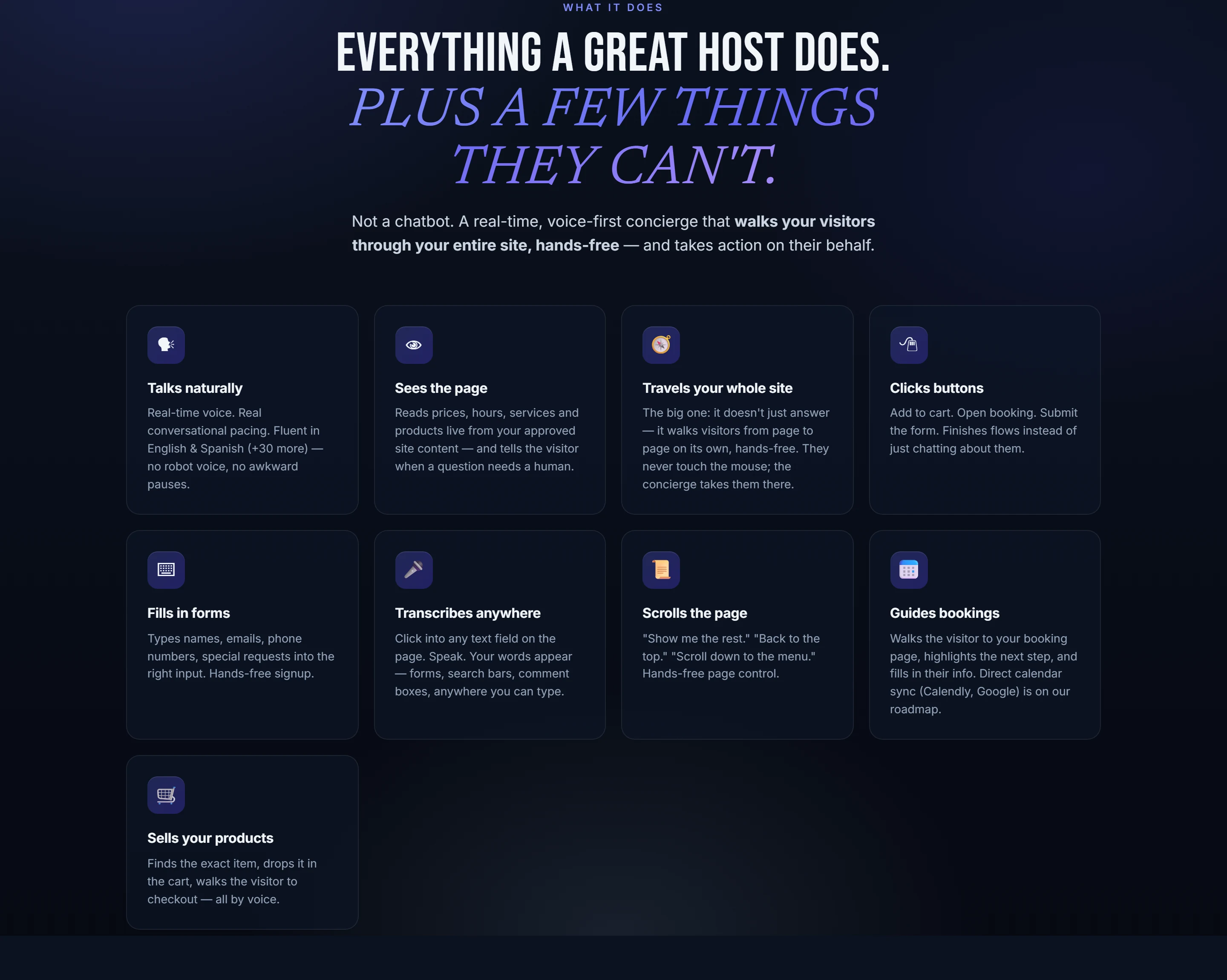
The concierge is a single script added to your site or app. When a visitor arrives, it opens a conversation: “Hi, what can we help you with today? ” The visitor types or selects an option — “I need a roof estimate” or “I want to book a checkup” — and the concierge responds with the exact next step. It can book an appointment, start a quote form, send a link to a calendar, or hand the conversation to a human. The visitor never searches for a feature. The feature comes to them.
One Script, Two Languages
The concierge detects the visitor’s language and responds in English or Spanish. No toggle, no second page. A Spanish-speaking homeowner gets the same guided experience as an English-speaking one. For a plumbing or HVAC business, that means fewer missed calls and more booked jobs from a growing segment of the market.
How Do I Add a Concierge to My App?
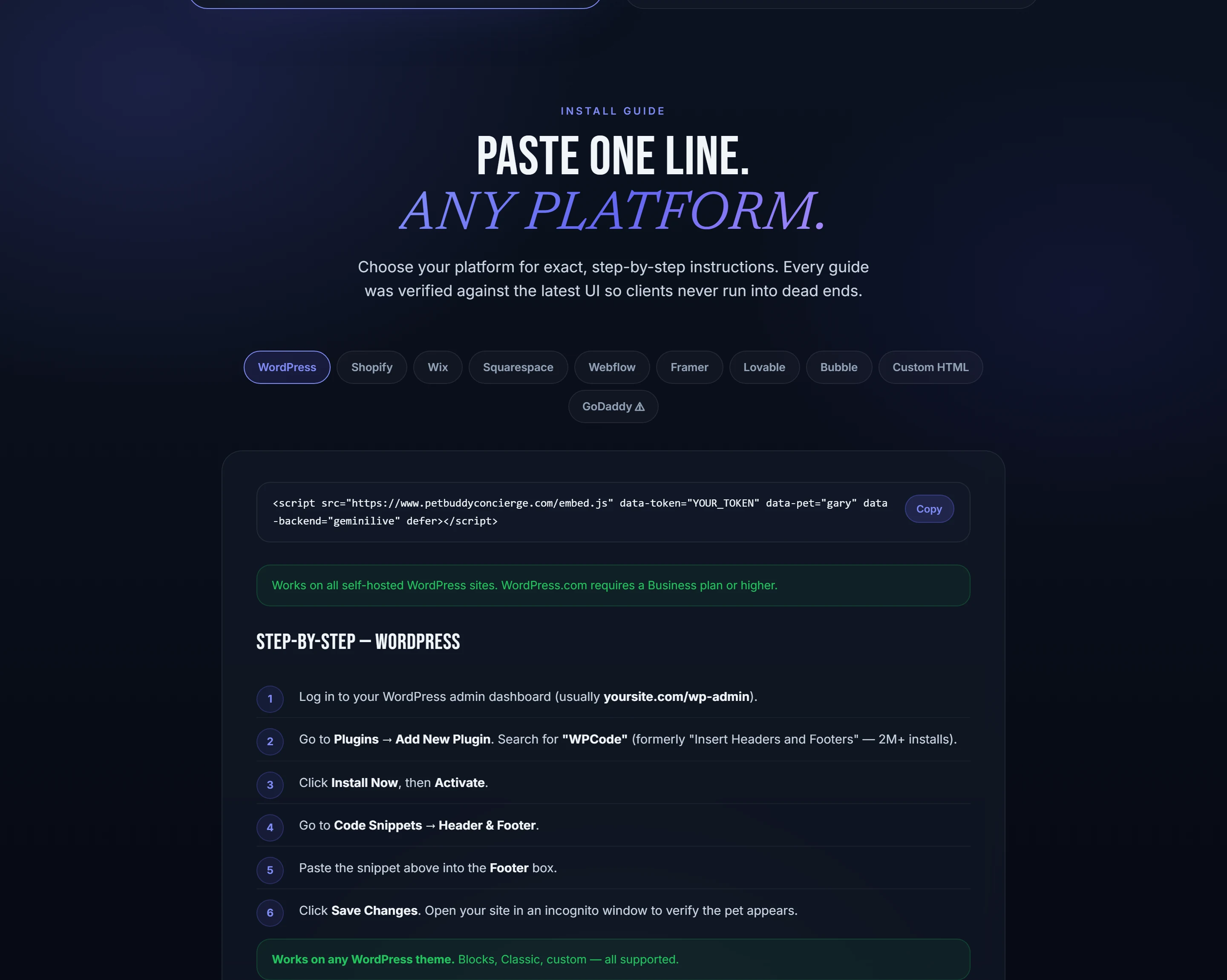
You do not need a developer or a long integration project. The concierge is one line of script pasted into your site or app — into the header, a tag manager, or a platform like WordPress, Shopify, Wix, or Squarespace. Once the script is live, the concierge appears on every page. It starts working immediately, greeting visitors and guiding them to the features you want them to use.
What Happens After a Visitor Talks to the Concierge?
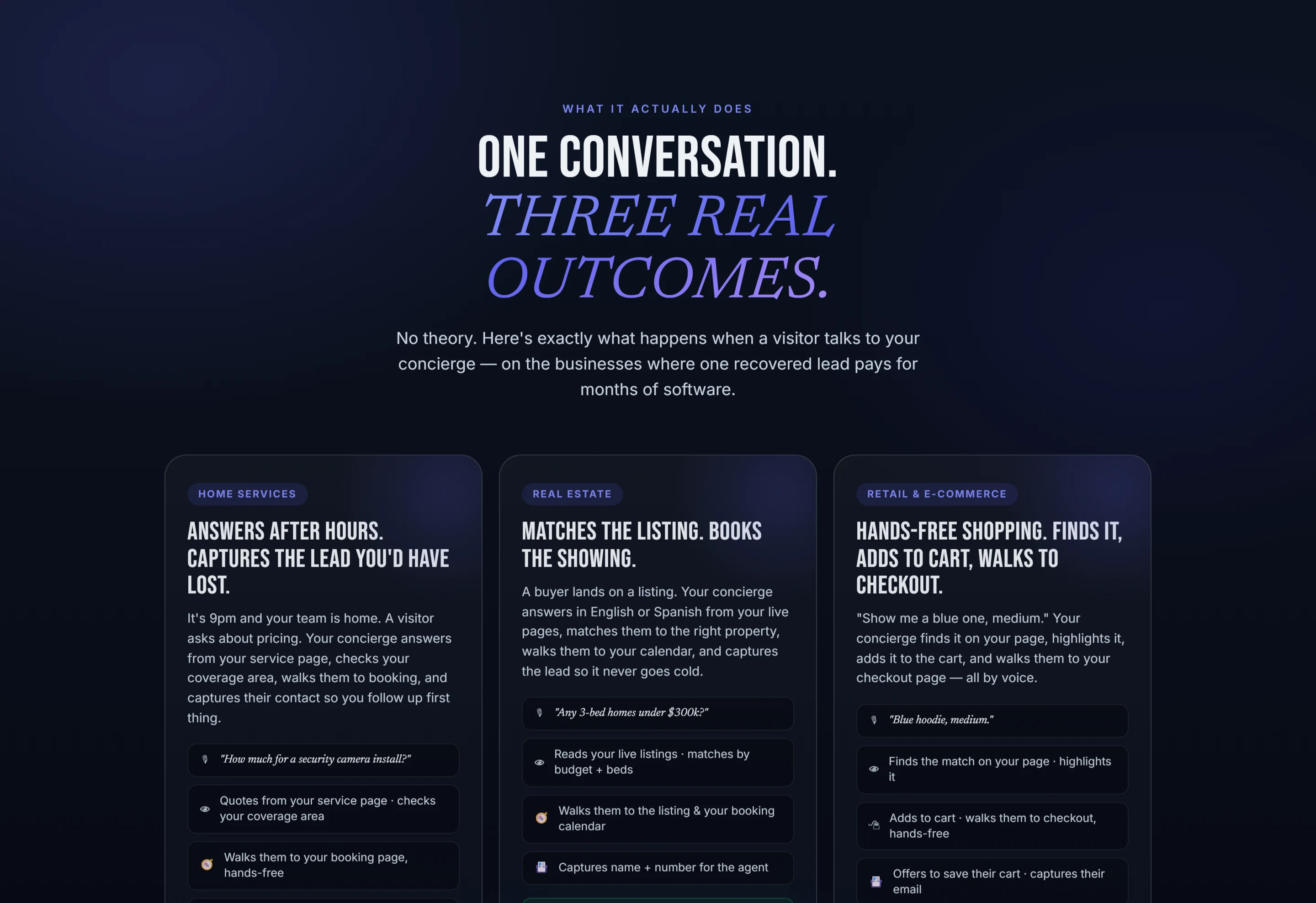
Every conversation produces a captured outcome. If a visitor asks for a quote, the concierge collects the details and sends it to your team. If they want to book a service, the concierge checks availability and confirms the appointment. If they need a human, the concierge hands off the conversation in real time. Nothing falls through the cracks.
How Do I Know Which Features Visitors Actually Want?
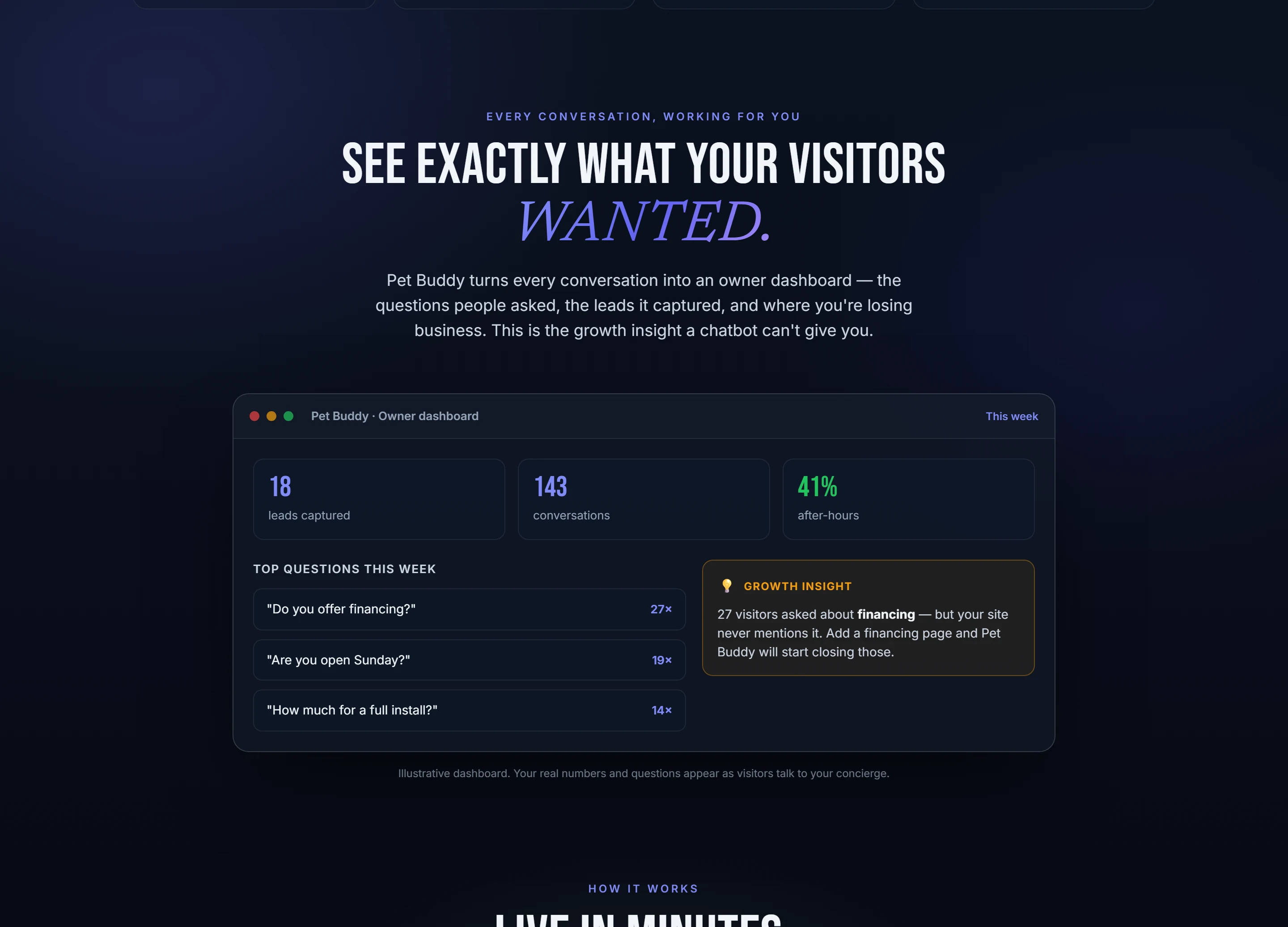
The outcome dashboard shows you exactly what every visitor asked for. You see a list: “requested a quote,” “wanted to book,” “needed to speak to someone,” “asked about pricing. ” If most of your lost leads ask about one service at 10 PM, that shows on the dashboard. You know where to focus your marketing and which features to promote.
A concierge turns a silent app into a guided experience that books, quotes, and hands off — in two languages, around the clock.
Will the Concierge Work With My Existing Tools?
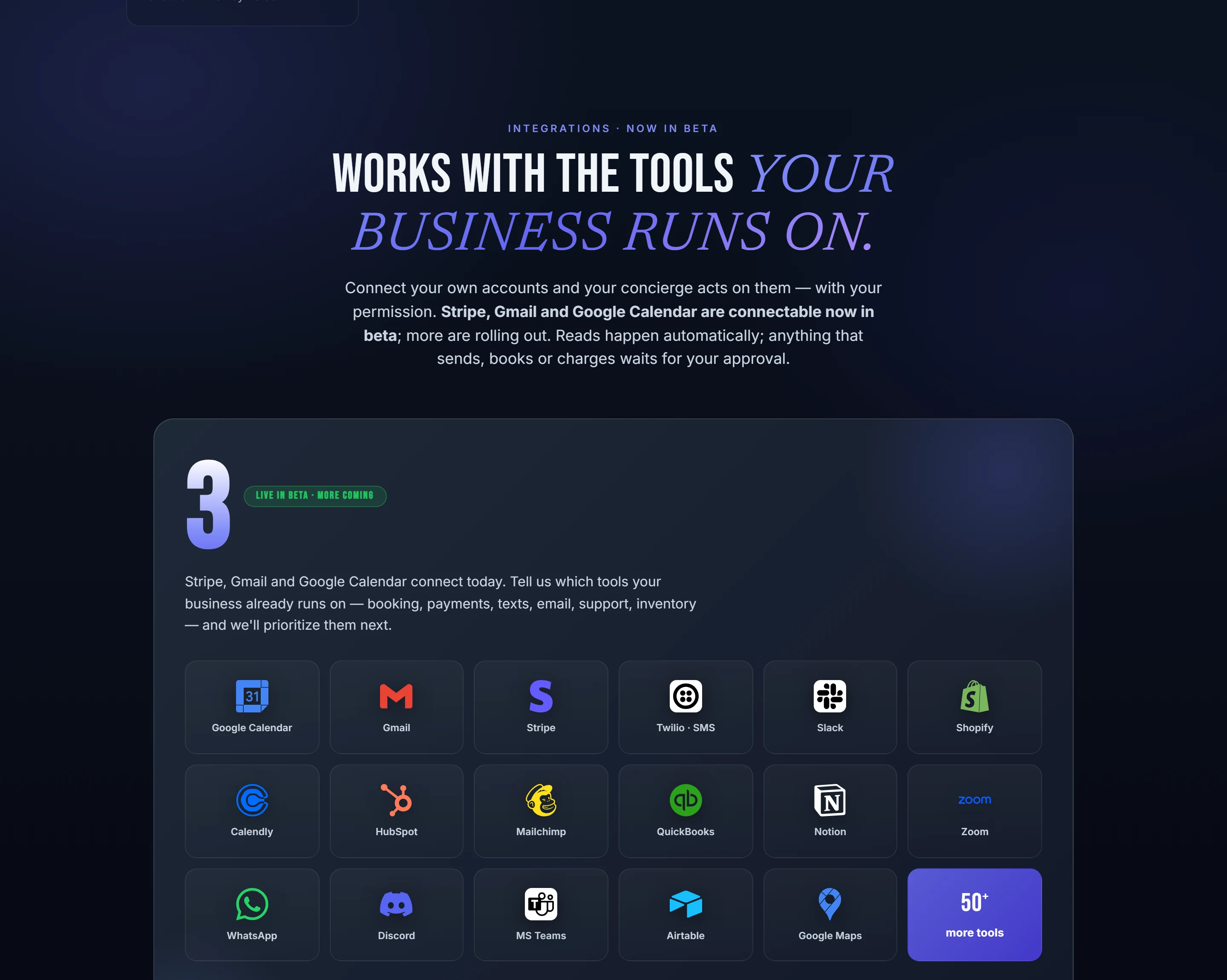
The concierge connects to the calendars, CRMs, and email systems you already run. When a visitor books an appointment, it appears in your calendar. When they request a quote, it lands in your inbox or CRM. The concierge does not replace your team — it handles the front door so your team only steps in when a real opportunity is ready.
Common questions
Do I need to rewrite my app to add a concierge?
No. The concierge is a single script that sits on top of your existing site or app. No code changes, no new backend.
Will the concierge confuse visitors who already know my app?
No. It greets everyone, but returning visitors can dismiss it or type a quick request. It never forces a conversation.
Can the concierge hand off to a human?
Yes. When a visitor asks to speak to someone, the concierge sends the conversation to your team in real time.
Does the concierge work on mobile?
Yes. It works on every device — phone, tablet, desktop — and adjusts to the screen size automatically.
Give your website a voice
Pet Buddy greets every visitor, answers in English or Spanish, and books the next step - live in minutes.
See it live