Client Onboarding: Stop Sending PDFs, Start Guiding People
PDF onboarding kills momentum. Learn how a website concierge turns a new client into a booked job by walking them through setup live, in English or Spanish.

Client onboarding that works does not start with a PDF. It starts the moment a new client lands on your site and needs to know what happens next. Instead of emailing a 12-page manual they will never open, let your website walk them through setup, answer their questions, and book the first appointment — all without you typing a single reply.
Why a PDF Is the Worst Way to Onboard a Client
A PDF is a wall. You send it, they download it, and then they have to figure out the next step on their own. For a home-services business, that means a homeowner who just signed a contract sits there wondering when the crew arrives, what to expect, and who to call with questions. Most of them will not call. They will just wait, get frustrated, and leave a bad review. A PDF does not answer their question at 9 PM. A PDF does not reschedule an appointment when their kid gets sick. A PDF does nothing. Your website can.
A PDF is a wall. Your website can be a guide.Pet Buddy Concierge
What Does Taking Someone by the Hand Actually Look Like?
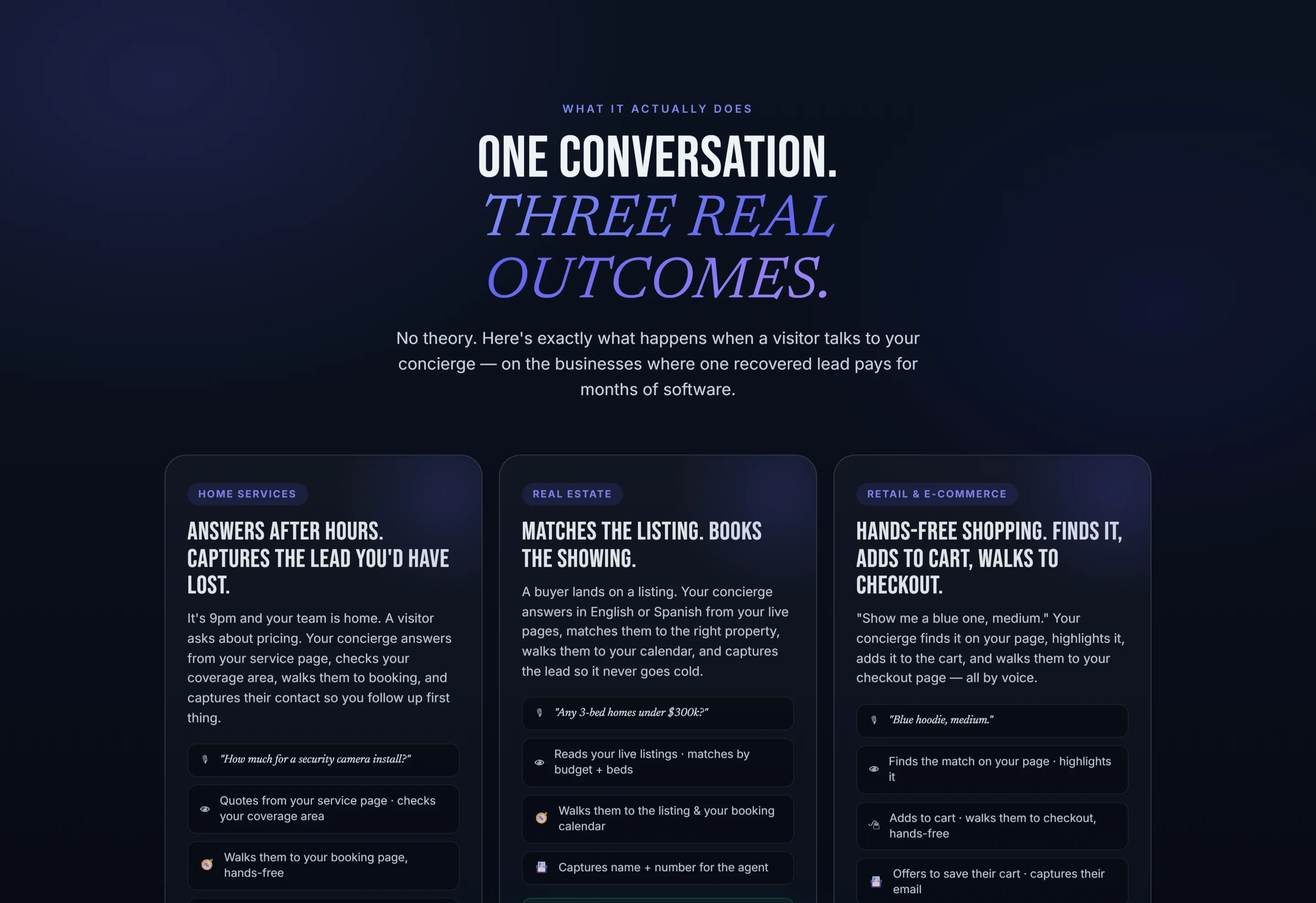
It looks like a visitor landing on your site and being greeted by a concierge that says, "Welcome back! Ready to finalize your service date? " That visitor can confirm their appointment, ask what time the technician arrives, or even request a change — all in a conversation. The concierge does not guess. It knows who this person is because it tracks what they already booked, and it walks them through exactly what they need next. No forms. No searching for an email. Just a chat that gets things done.
Step 1: Greet Them Like They Already Belong
The first moment after someone signs up is the most fragile. They are excited but uncertain. A good concierge greets them by name, confirms what they signed up for, and asks a simple question: "Would you like to schedule your first appointment now? " That one question turns a passive downloader into an active client. For a roofing contractor, that could mean booking the inspection before the homeowner even hangs up the phone. For a med-spa, it could mean reserving the consultation slot right then.

Step 2: Answer Every Stupid Question Before They Ask It
New clients have the same questions every time: What do I need to prepare? How long will it take? Do you take credit cards? What if I need to cancel? A PDF buries those answers on page 6. A concierge puts them right in the conversation. When a real estate client asks, "What do I bring to closing? " the concierge lists the documents and offers to email a reminder. When an HVAC client wonders, "Do I need to be home? " the concierge explains the options and lets them choose. Every answer builds trust.

Step 3: Let Them Change Their Mind Without Calling
Life happens. Appointments need to move. A client who can reschedule through your website at 10 PM is a client who stays a client. The concierge handles reschedules, cancellations, and upgrades in plain English. It updates your calendar automatically and sends a confirmation. Your office staff never touches it. For an electrical contractor, that means a homeowner who needs to push back a panel upgrade by a week can do it in 30 seconds. No phone tag. No frustration.
That same flexibility works for automotive shops. A customer who booked an oil change but now needs a brake inspection can tell the concierge. The concierge adjusts the work order, checks parts availability, and sends a new time estimate. The customer feels taken care of. The shop fills a higher-value ticket. Everyone wins.
Step 4: Hand Off to a Human When It Matters
Some questions need a real person. The concierge knows the difference. When a client asks about a custom project or a complex medical procedure, the concierge says, "Let me get someone who can help," and routes the conversation to the right team member. The human picks it up with full context — what the client already said, what they booked, what they asked for. No repetition. No "let me transfer you. " The handoff is seamless.
What a Good Onboarding Concierge Does for You
- Greets new clients by name and confirms their plan
- Answers common questions about preparation, timing, and payment
- Books the first appointment in the conversation
- Handles reschedules and cancellations automatically
- Hands off complex requests to a human with full context
- Works in English and Spanish so no client is left out
Step 5: See Where Clients Get Stuck and Fix It
The concierge does not just guide clients. It reports back. The owner dashboard shows you exactly what every visitor asked for, what they booked, and where they dropped off. If half your new clients ask about cancellation policies at the same point in the conversation, you know that step is confusing. You can fix it. If most of your lost leads happen after 8 PM, you know you need the concierge to capture them. The data is not a spreadsheet. It is a list of actions you can take.

Common questions
Will this work on my existing website?
Yes. Pet Buddy Concierge installs with a single line of script. It works on WordPress, Wix, Squarespace, Shopify, and any site that lets you add code. No redesign needed.
Do I need to train my clients to use it?
No. The concierge speaks plain English or Spanish. Clients just type what they would normally say. It understands reschedule, cancel, book, and hundreds of variations.
What if a client refuses to chat and wants to call?
The concierge can offer a call-back request. It captures their number and notifies your team. No lead is forced into a channel they do not want.
How do I know it is working?
The owner dashboard shows every conversation, every outcome, and every handoff. You see what visitors asked for and whether they got what they needed.
Give your website a voice
Pet Buddy greets every visitor, answers in English or Spanish, and books the next step - live in minutes.
See it live