Clinic Intake Questions: What Your Website Must Ask
Stop guessing what new patients need. The right intake questions on your clinic website capture every lead, filter out wrong-fit calls, and hand a ready booking to your front desk. Here is exactly what to ask and what to skip.

The clinic intake questions on your website should capture the exact information your front desk needs to schedule the right appointment on the first call and eliminate the back-and-forth that kills conversions. Every question you ask must serve one purpose: move a visitor from "browsing" to "booked" without friction or guesswork.

What Is the One Question Every Clinic Website Must Ask First?
Ask what the visitor is looking for. This sounds obvious, but most clinic websites lead with name, phone, and email before they ever learn whether the person needs a routine physical, a sports injury evaluation, or a cosmetic consult. When you ask the reason for the visit first, you can immediately route the person to the right provider, the right form, or the right pricing page. That single question prevents the wasted time of a wrong-fit appointment and gives your front desk context before they ever pick up the phone.
Which Clinic Intake Questions Belong on Your Website?
The goal is to collect enough detail to book a qualified appointment and nothing more. Every extra field you add reduces the chance a visitor will finish the form. Here is the short list of what to include.
Essential Intake Questions for Clinic Websites
- Reason for visit — open-ended or a short list of common services
- Preferred date and time — offer a calendar picker, not a text field
- Insurance or payment preference — yes/no, with a dropdown of accepted plans
- New patient or returning patient — this determines which forms they need
- Contact method — phone, text, or email, so you reach them the way they prefer
What Questions Should You Leave Out of Your Clinic Intake?
Leave out medical history, symptom details, and any information that requires a clinical judgment call. Those belong in the exam room, not on a website form. Asking for detailed symptoms before a patient has even met a provider creates anxiety and often leads the person to abandon the form entirely. Also skip Social Security numbers, driver’s license numbers, and full address until the patient is confirmed and in the door. The more personal the data, the more trust you need before you ask for it.
How Many Steps Should Your Intake Form Be?
Five fields or fewer on the first screen. If you need more information, break the form into two stages: the quick questions that qualify the lead, then a second screen that appears only after the visitor has committed to a time slot. A visitor who has already picked a date and time is far more likely to complete a longer form than someone who just landed on your site. This two-step approach can double completion rates compared to a single long form.

Should Your Intake Form Offer a Live Chat Option?
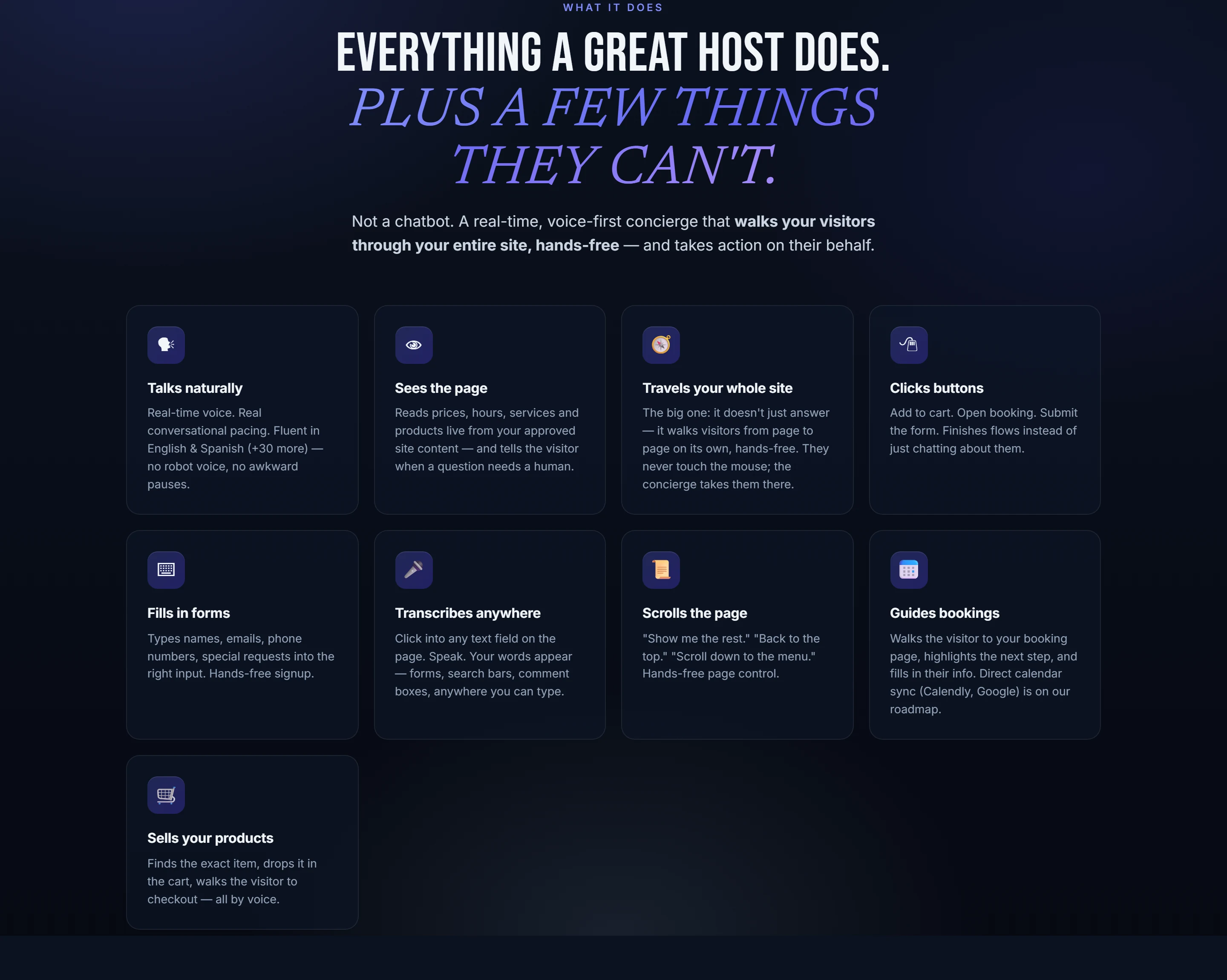
Yes, but only if the chat can actually book the appointment. A chatbot that answers a question and then drops the visitor back to a static form is a dead end. The Pet Buddy Concierge approach is different: the concierge asks the intake questions conversationally, captures the answers, and books the appointment directly into your calendar—in English or Spanish—without the visitor ever filling out a form. If your website can talk through the intake, you will capture leads at 10 PM on a Sunday that would otherwise bounce.
How Do You Know Which Intake Questions Are Working?
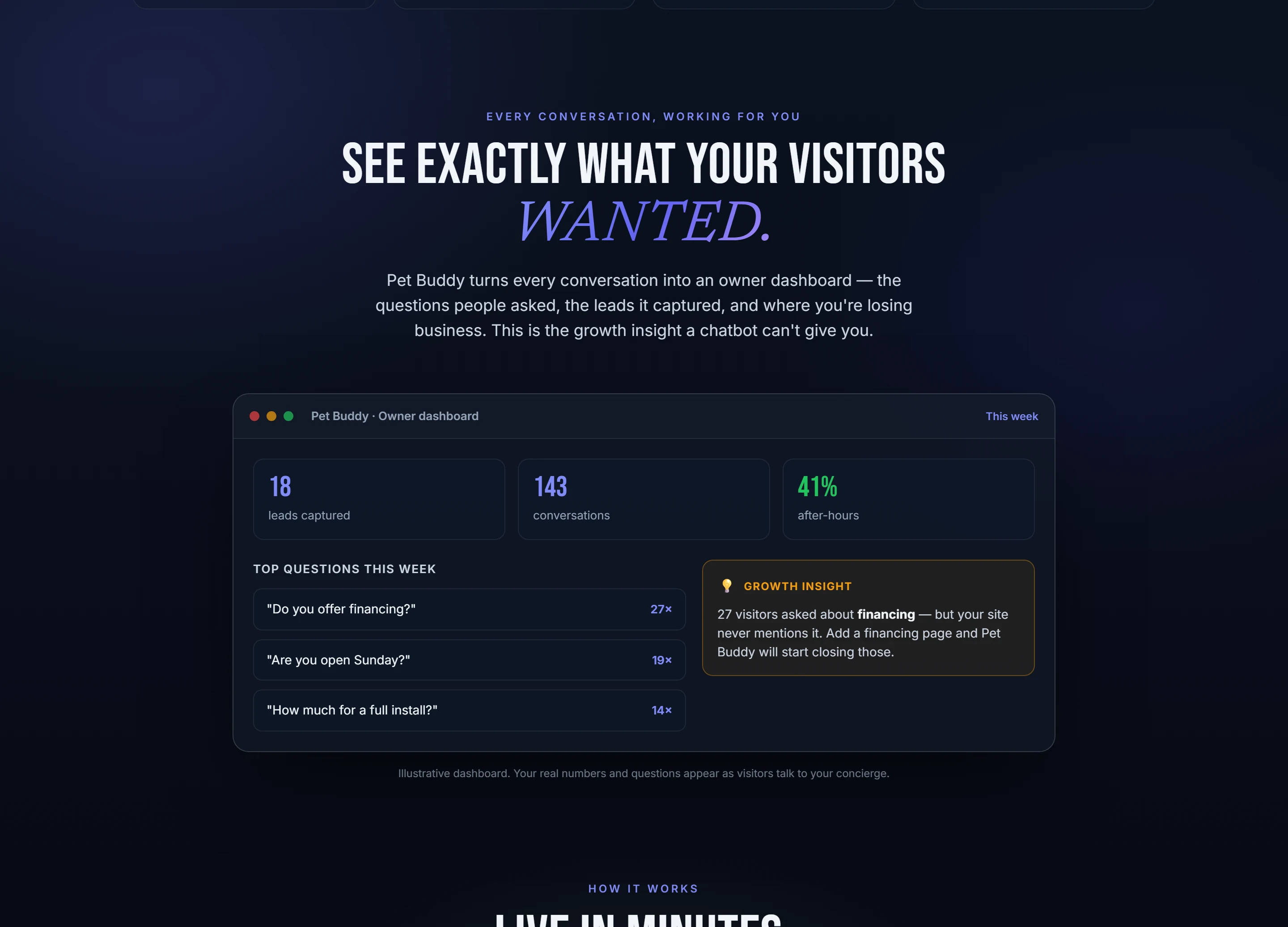
Track where visitors drop off. If you see a high abandonment rate on the insurance question, that field may be too complex or too early. If most visitors who start the form never finish, your form is too long. The Pet Buddy dashboard shows you exactly where visitors stopped, what they asked for, and whether they booked or left. That data lets you adjust your intake questions based on real behavior, not guesses.
Every question you ask must serve one purpose: move a visitor from browsing to booked without friction or guesswork.
Should You Offer Intake in Spanish?
If your clinic serves a community with Spanish-speaking patients, the answer is yes. A visitor who is more comfortable in Spanish will abandon a form that is only in English. Pet Buddy Concierge handles both languages in the same conversation, so a visitor can ask a question in English and receive the intake in Spanish, or vice versa. The concierge never needs a toggle or a second form.
Common questions
Should I ask for insurance details on the first form?
Yes, but keep it simple. A yes/no question about whether the visitor has insurance, followed by a dropdown of accepted plans, is enough. Detailed policy numbers can wait until the patient is confirmed.
Is it better to use a form or a conversational intake?
A conversational intake typically captures more leads because it feels natural and can adapt to what the visitor says. A form is rigid. If your clinic sees high form abandonment, a conversational tool like Pet Buddy Concierge may help.
How do I handle intake for returning patients?
Ask if they are new or returning at the start. Returning patients can skip most fields and go straight to booking, which saves them time and reduces friction.
What Happens After a Visitor Submits the Intake?
The intake data should go directly into your practice management system or calendar, and the visitor should receive an immediate confirmation with the appointment time and any next steps. A delay of more than a few minutes between submission and confirmation creates doubt. If your current process requires a staff member to manually enter intake data before confirming, you are losing leads to that gap. Automate the handoff so the visitor is confirmed before they close the browser tab.

How Often Should You Update Your Intake Questions?
Review your intake questions every quarter. Services change, insurance panels change, and patient expectations shift. If you added a new treatment last month, your intake form should reflect it. If you dropped an insurance plan, remove it from the dropdown. Stale intake questions confuse visitors and make your clinic look disorganized. Use your website analytics or a dashboard like Pet Buddy’s to see which services patients ask about most, then adjust your intake to match.

Give your website a voice
Pet Buddy greets every visitor, answers in English or Spanish, and books the next step - live in minutes.
See it live